1
Learn the Visual Studio IDE
Understand the workspace, project templates, solution explorer, coding environment, debugging tools, and productivity features.
Open Visual Studio tutorial →Build real development skills with beginner-friendly Visual Studio 2026 tutorials, programming lessons, companion books, and practical resources for C#, Python, C++, ASP.NET Core, Blazor, Android, AI-assisted coding, and modern .NET development.
New to Visual Studio 2026? Follow this simple route and build your skills in the right order.
Understand the workspace, project templates, solution explorer, coding environment, debugging tools, and productivity features.
Open Visual Studio tutorial →Continue with C#, Python, C++, ASP.NET Core, Blazor, Android, Go, Rust, or VS Code based on your goal.
View learning paths →Move from lessons to practical projects, databases, web apps, automation, deployment, containers, and cloud-ready workflows.
Find companion books →Pick the topic that matches your current goal. Each path gives you a clear entry point into tutorials, articles, and related books.
Learn the IDE, project structure, debugging, productivity tools, AI-assisted coding, and everyday developer workflows.
Open Visual Studio tutorial →Learn C# from the basics to practical applications using Visual Studio, .NET, Windows Forms, databases, and projects.
Open C# tutorial →Use Python for automation, data work, AI experiments, scripts, and practical projects inside a modern development environment.
Open Python tutorial →Learn C++ fundamentals, object-oriented programming, STL, algorithms, and modern C++ project development.
Open C++ tutorial →Choose the web technology that matches your goal. Learn ASP.NET Core for MVC, APIs, and backend development, or Blazor for interactive web apps built with C# and Razor components.
Create mobile applications with Visual Studio, Android tools, C#, .NET MAUI, and cross-platform app development techniques.
Open Android tutorial →Learn JavaScript, TypeScript, React, and modern front-end programming.
Open JavaScript tutorial →Learn to build interactive .NET web applications using C#, Razor components, forms, validation, services, APIs, databases, authentication, and deployment.
01 → Getting Started with Blazor
02 → Razor Syntax and Components
03 → Parameters, Events and Binding
04 → Forms and Validation
05 → Services and Dependency Injection
06 → APIs, CRUD and Databases
07 → Authentication and Security
Final → Real-World Blazor Project
Follow a structured lesson series that introduces Visual Studio 2026, project creation, C# development, debugging, AI-assisted coding, web development, and practical workflows for real software projects.
Lesson 01 → Getting Started
Lesson 02 → Projects and Solutions
Lesson 03 → C# Basics
Lesson 04 → Debugging
Lesson 05 → GitHub Copilot
Lesson 06 → ASP.NET Core
Lesson 07 → Blazor Web Apps
Lesson 40 → Final Project
Use these companion books when you want a more complete learning experience beyond the free tutorials.

Start here if you want a clear, beginner-friendly guide to Visual Studio 2026, .NET development, project creation, debugging, AI-assisted coding, and practical software development workflows.

A Step-by-Step Introduction to C#, Visual Studio, .NET, Variables, Decisions, Loops, Methods, Classes, Files, and Simple Console Projects

Learn Python for scripting, automation, data work, AI experiments, and practical projects in Visual Studio.

Build Five Complete 2D Games with Modern C++, SFML 3, Graphics, Animation, Sound, and Step-by-Step Projects

Learn Modern C++, Object-Oriented Programming, STL, and Build Applications with Visual Studio 2026

Build Practical Desktop Applications with Visual Studio 2026, .NET, SQL Server, APIs, Reports, Charts, Files, and AI-Assisted Coding

Build interactive web applications with C#, Razor components, Blazor WebAssembly, Blazor Server, and .NET.


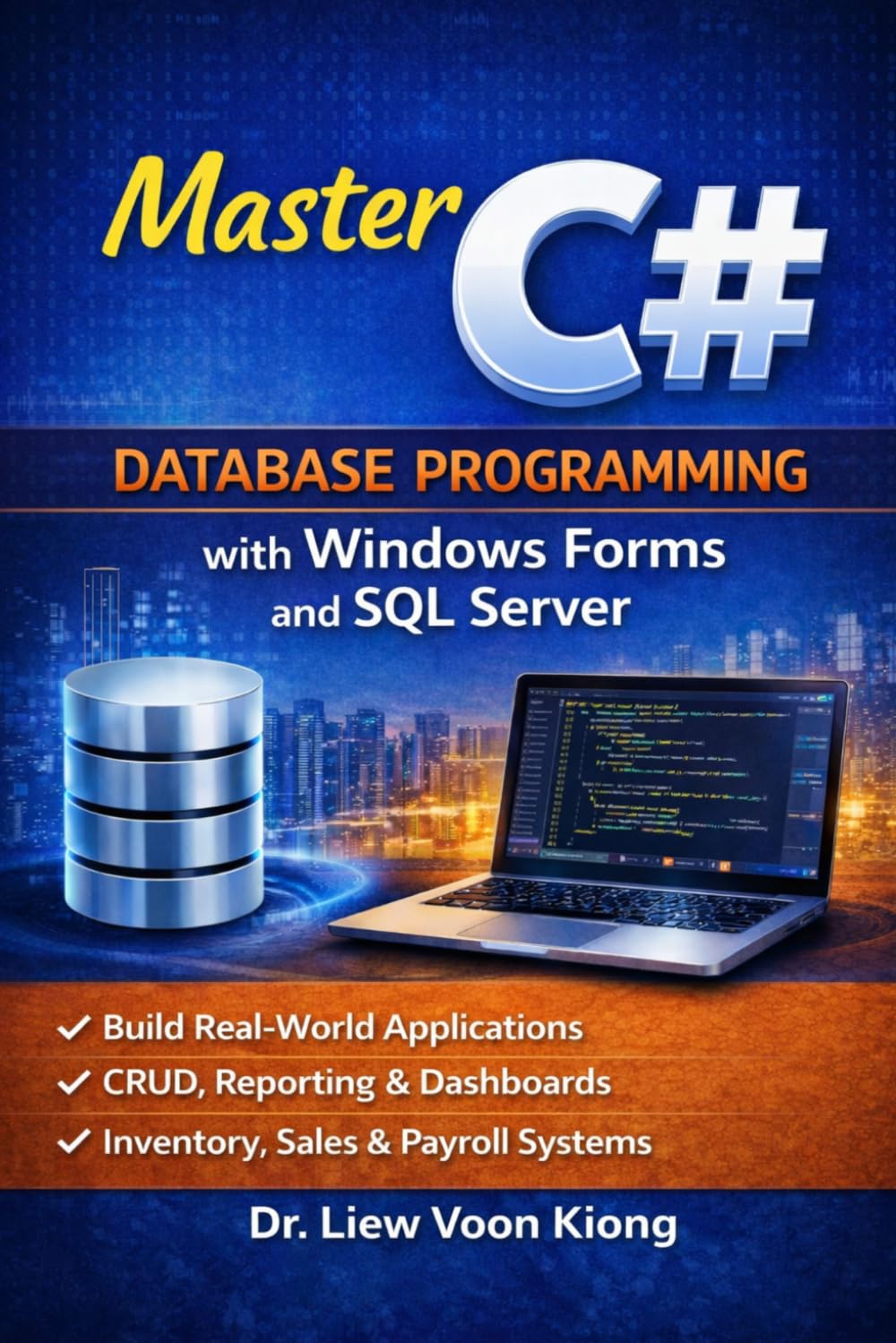

Build Windows Forms Applications with SQL Server LocalDB, ADO.NET, LINQ, CRUD, Reports, and Practical Business Projects.
After learning the core Visual Studio workflow, continue into web apps, cloud deployment, systems programming, and productivity tools.
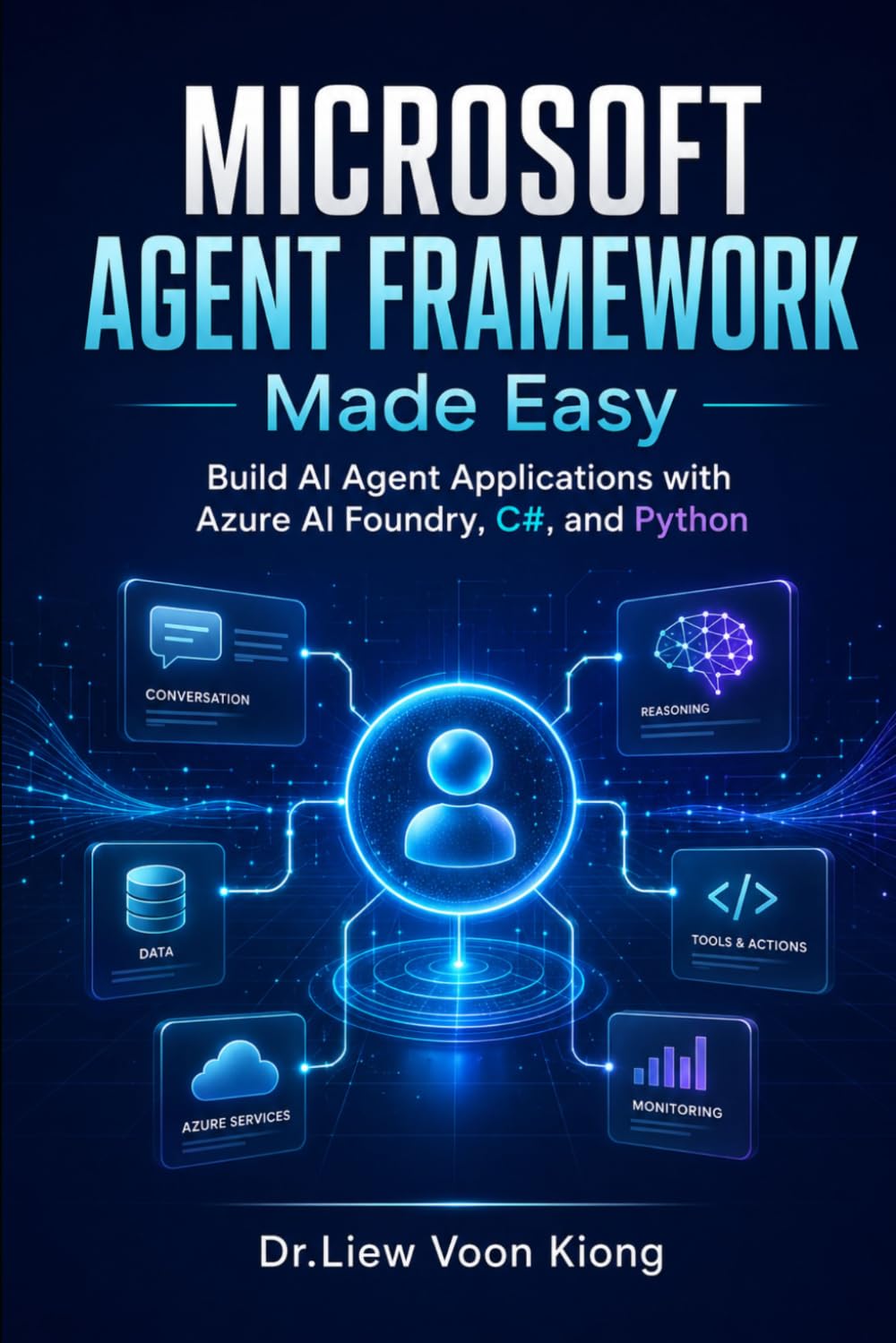


Read practical guides on Visual Studio 2026, AI-assisted coding, IDE comparison, modern .NET development, and productivity.
Discover key features, AI capabilities, productivity improvements, and modern development updates in Visual Studio 2026.
Read article →Learn when to use the full Visual Studio IDE and when VS Code is the better choice for your project.
Read article →Use GitHub Copilot and AI-assisted coding tools to write, review, debug, and improve code more productively.
Read article →