Master C# in
Visual Studio 2026
A structured, beginner-to-intermediate tutorial series for C# using Visual Studio 2026 — with step-by-step lessons on core language syntax, object-oriented programming, file handling, APIs, databases, debugging, and modern .NET development. For more articles, project ideas, and curated learning tracks, visit CSharpTutorHub.com.
Need a broader C# resource hub?
This page is the structured lesson course. For homepage-style navigation, project ideas, topic overviews, and cross-links into the wider C# ecosystem, visit CSharpTutorHub.com.
What You Will Learn
This tutorial takes you from the fundamentals of C# syntax to building real-world applications in Visual Studio 2026. If you also want article-style content, curated pathways, and broader resource discovery, visit the dedicated C# hub at CSharpTutorHub.com.
This course takes you from zero — installing the .NET SDK and Visual Studio 2026 — through to writing real-world applications with file I/O, databases, REST APIs, GUI windows, and asynchronous programming. Every lesson contains explained code examples you can run immediately inside Visual Studio 2026.
Course Curriculum
🚀 Want to master C# faster?
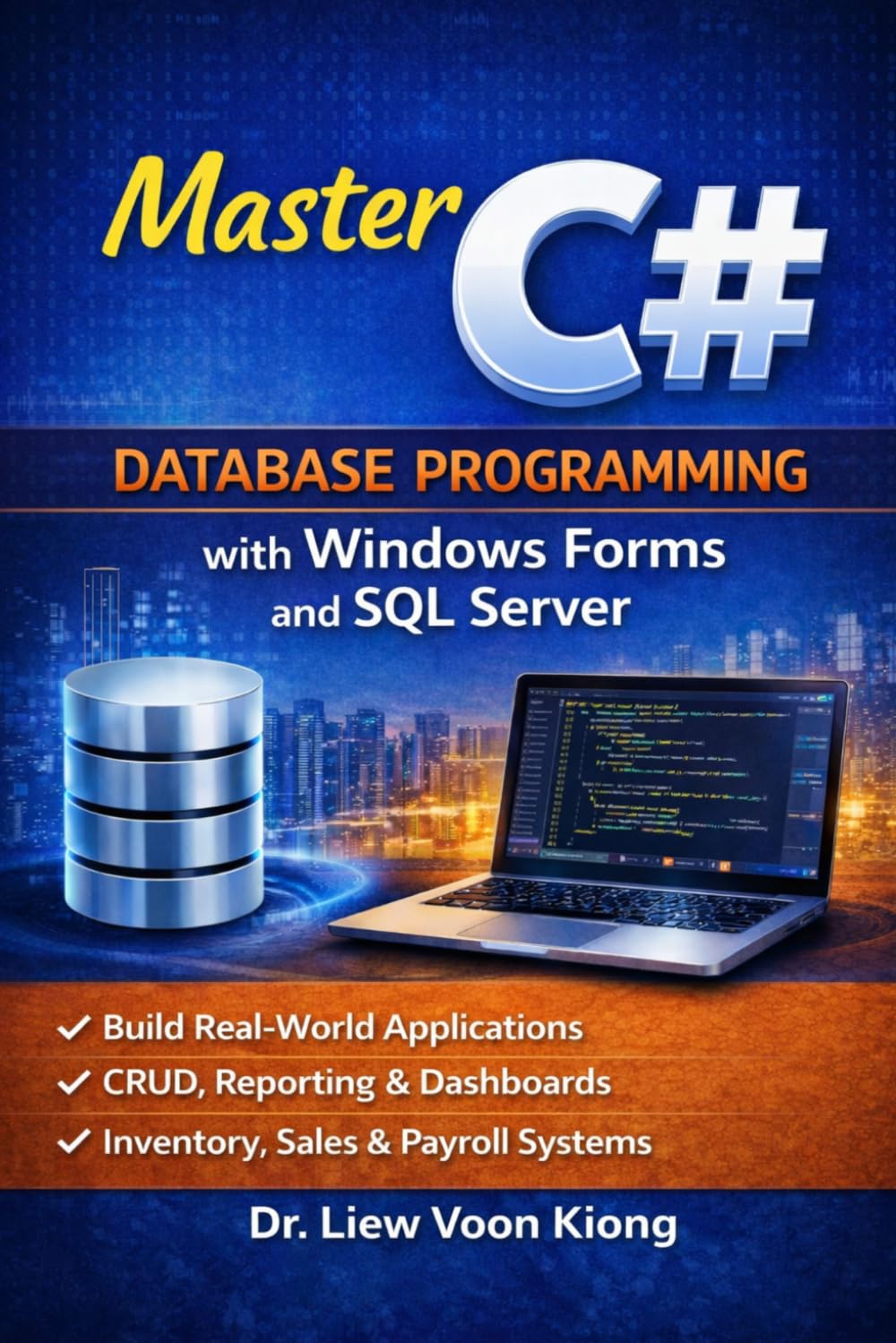
These free lessons are a strong starting point, but the companion book gives you a cleaner step-by-step progression, more examples, and a more focused path from beginner to real applications.
Why Visual Studio 2026?
Visual Studio 2026 is the definitive C# IDE: deep IntelliSense, IntelliCode AI completions, hot-reload for instant feedback, an integrated profiler, and built-in GitHub Copilot integration that suggests idiomatic C# as you type. The .NET workload installs everything you need in one click.
Prerequisites
- No prior programming experience required for Lessons 1–15.
- Lessons 16–21 assume basic familiarity with methods and loops.
- Lessons 22–30 tackle intermediate topics; earlier lessons are recommended first.